Features
What the console does, screen by screen.
Usage, cost, collection and security — what each screen shows, at what grain, from which source, and under which condition.
01 · Usage
Who uses AI, with which tool and model.
- Usage overview
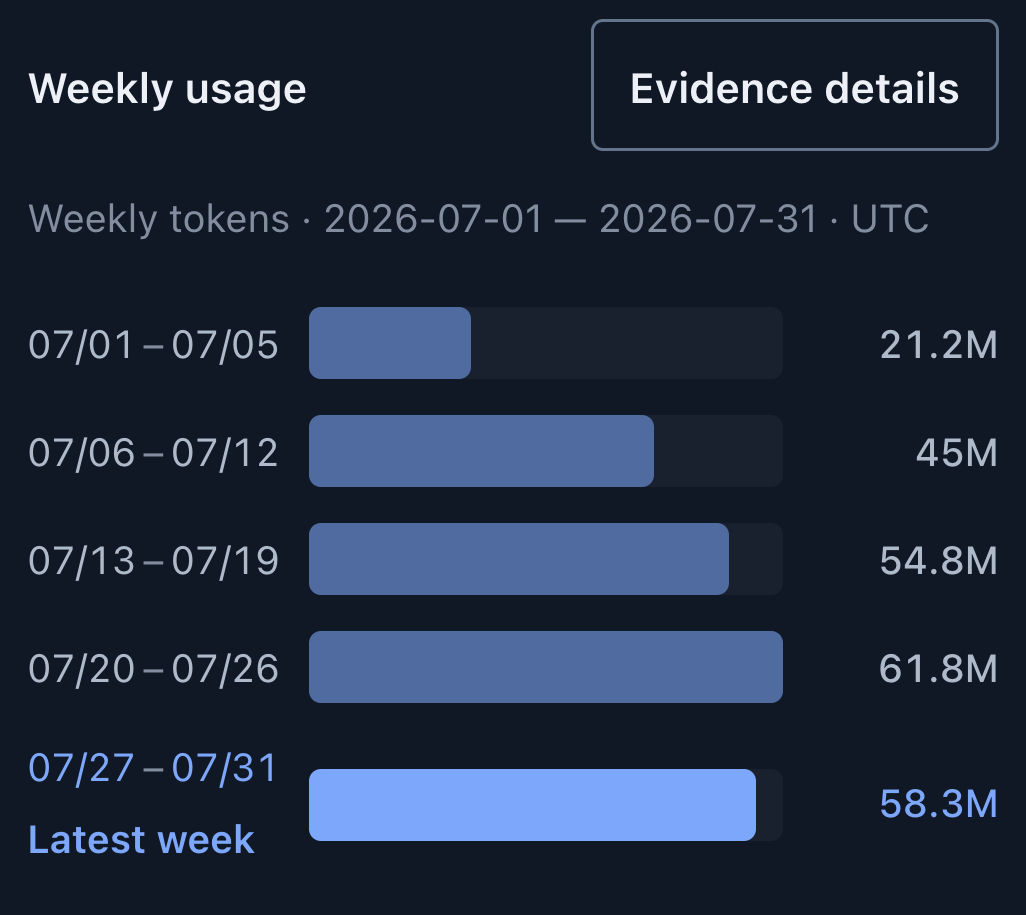
- Total, input, output and cache tokens with weekly bars. Organization, or the team a role covers.
- Evidence grade
- Filter totals by grade — metered, tool-reported, device-observed and others; only grades present are offered.
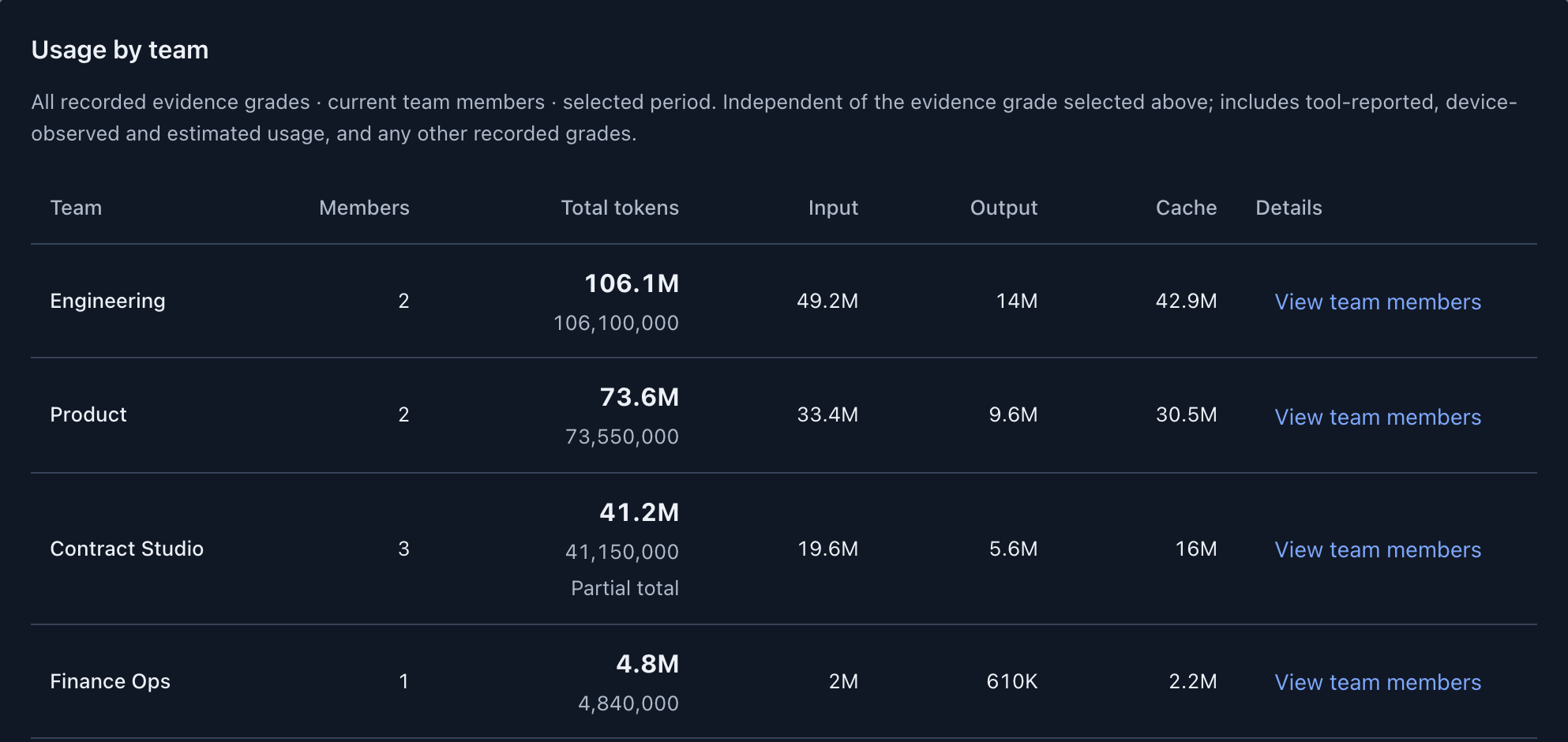
- Usage by team
- Tokens per team with member count and a link to its people. Totals follow the source-selection rules.
- Member overview
- People with their tools, accounts and devices. Needs organization-wide usage access; seat prices need cost access.
- Usage analysis
- Compare periods, teams or members by group, tool or model; daily, weekly or monthly.
- Model and API usage
- Gateway usage by model: prefill, cache, decode, requests and recorded spend. Spend per gateway key is on the Cost screens.
- Unlinked usage
- Usage a source cannot tie to a person stays visible until an administrator links the account.
02 · Cost
Recorded costs and their evidence.
- Subscription prices
- Monthly price per account, with who pays set separately: company, personal, other or not set.
- Gateway cost
- Spend recorded by the LiteLLM gateway, per model and per key. Gateway-calculated, not an invoice.
- Pay-as-you-go equivalent
- The same use at API rates, for comparison only — never added to costs; unpriced models are left out, not counted as free.
- Provider billing
- OpenAI and Anthropic cost reports, per provider and day. Needs an admin key; never assigned to a person.
- Contract rates
- Per-model rates with an effective date, or a negotiated discount off list. Administrators only.
- Seats with no recorded use
- Subscription seats with no recorded usage in the period and their monthly cost. Contract figures to check, not savings; the decision to cut is a person's.
- Team and person cost
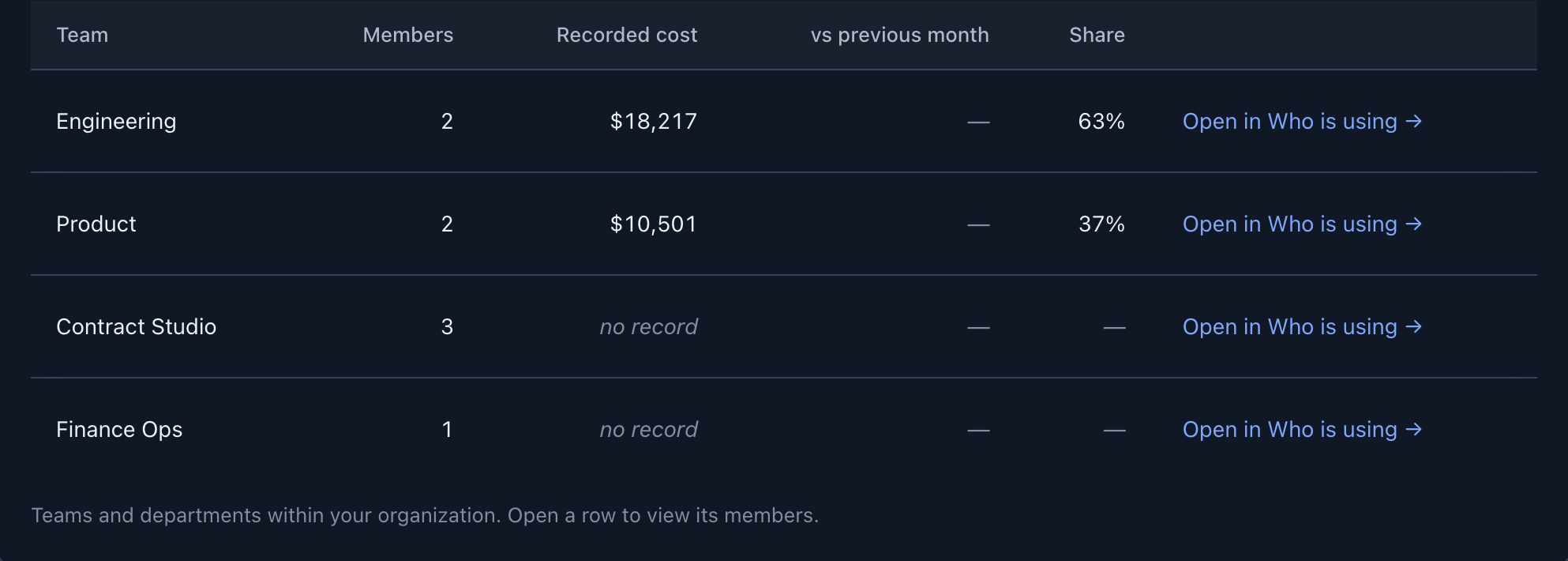
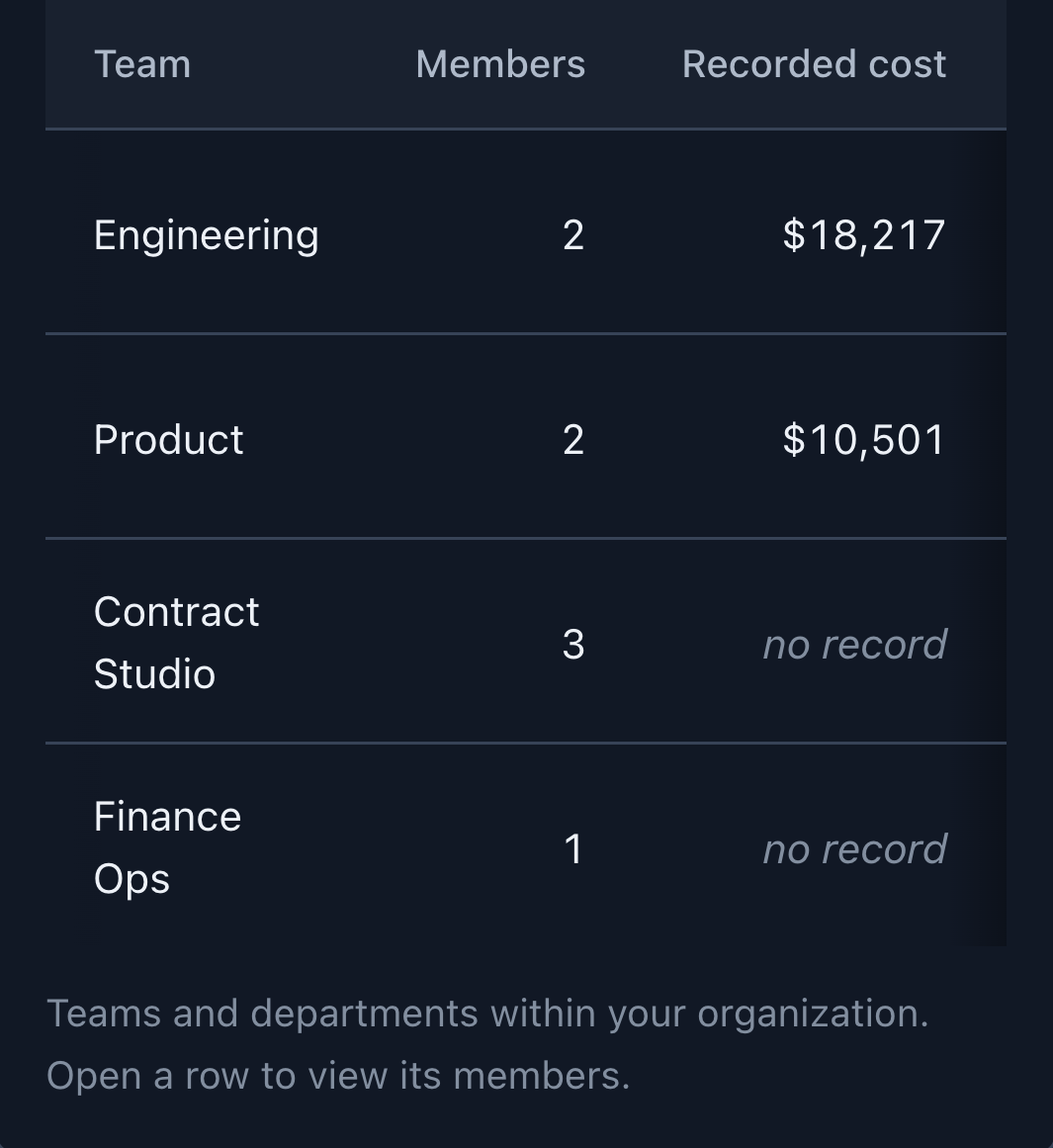
- Recorded cost by team and by person, with share of the total.
- Budgets
- Annual and monthly limits with warn and breach alerts emailed to administrators. Organization budgets alert only; a cap set on a gateway key stops that key at the gateway.
- Reports
- Monthly or quarterly reports with an archive, CSV export and print view; a weekly summary email to administrators.
- Currency
- USD base with exchange rates you enter. An amount without a rate stays in its own currency.
03 · Collection
What arrived, and what did not.
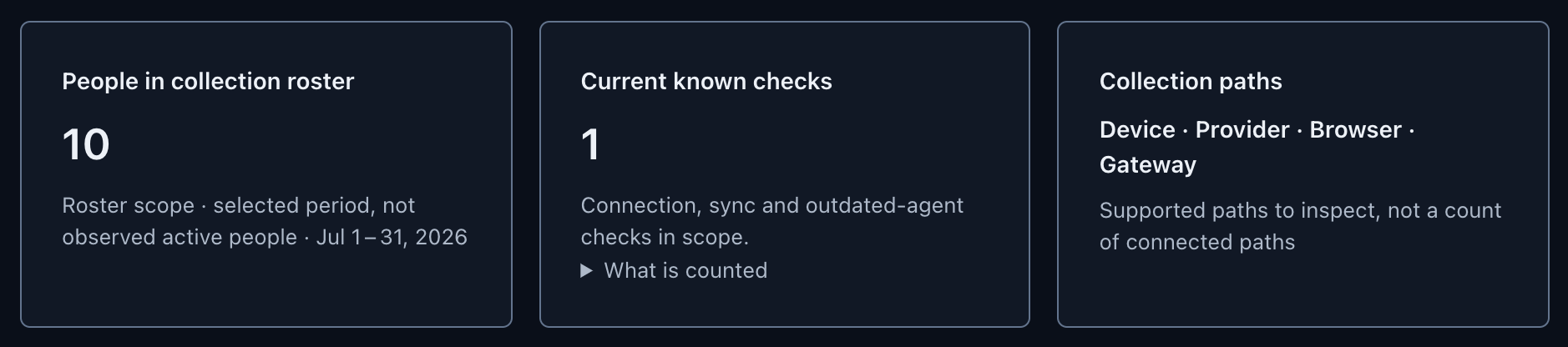
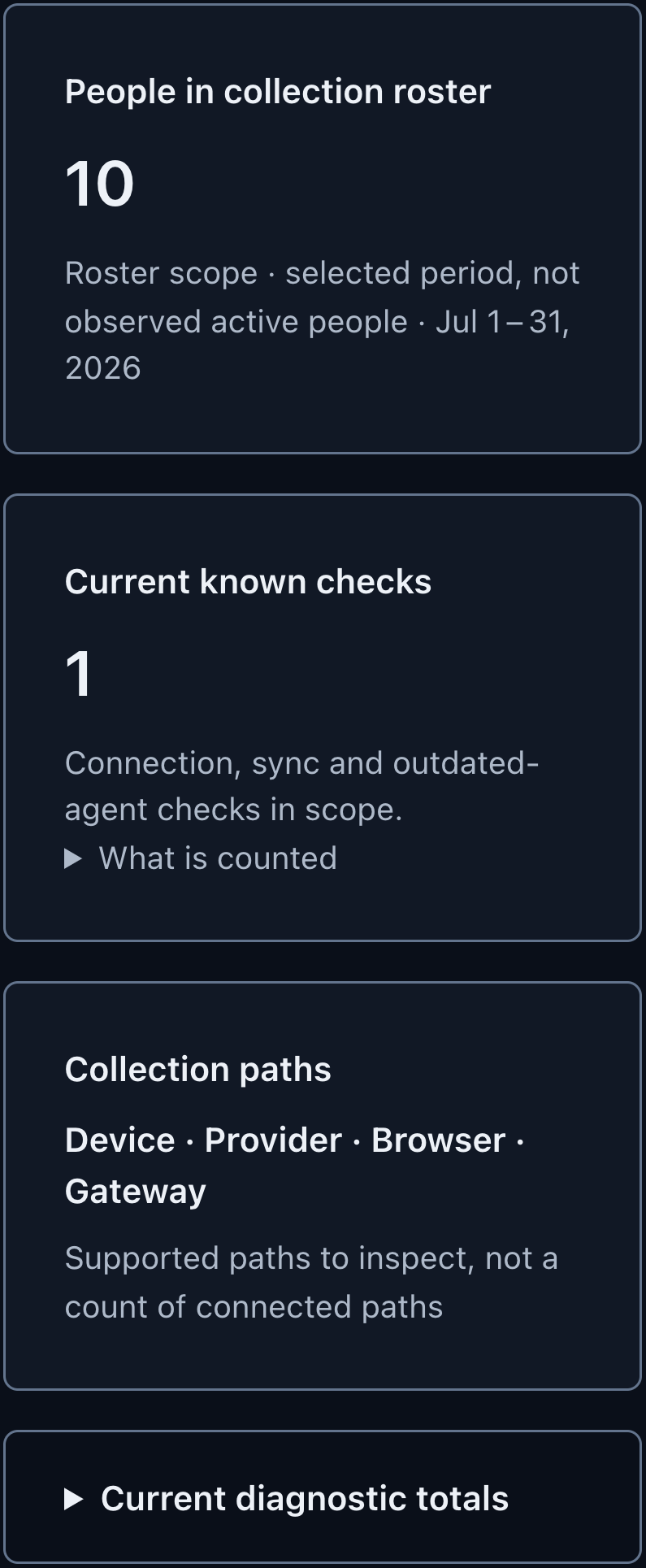
- Collection paths
- Device, provider, browser and gateway, each with what it collects and its evidence status.
- Collection checks
- Missing reports, usage spikes, provider comparisons, unlinked accounts and outdated agents.
- Outside the measurements
- Usage by collection path, accounts with no cost owner, members without analytics consent, agent builds and unresolved models. Each row is a measured fact, not a policy judgment.
- Devices
- Each registered device with its recent arrivals. One enrollment code per device, single use, valid 24 hours.
04 · Security and content
What is collected, and who can see it.
- Usage records
- Counts, model and tool names, timestamps, service tiers and duplicate-check identifiers. No prompt or response text, file contents, or project and repository names.
- Work classification
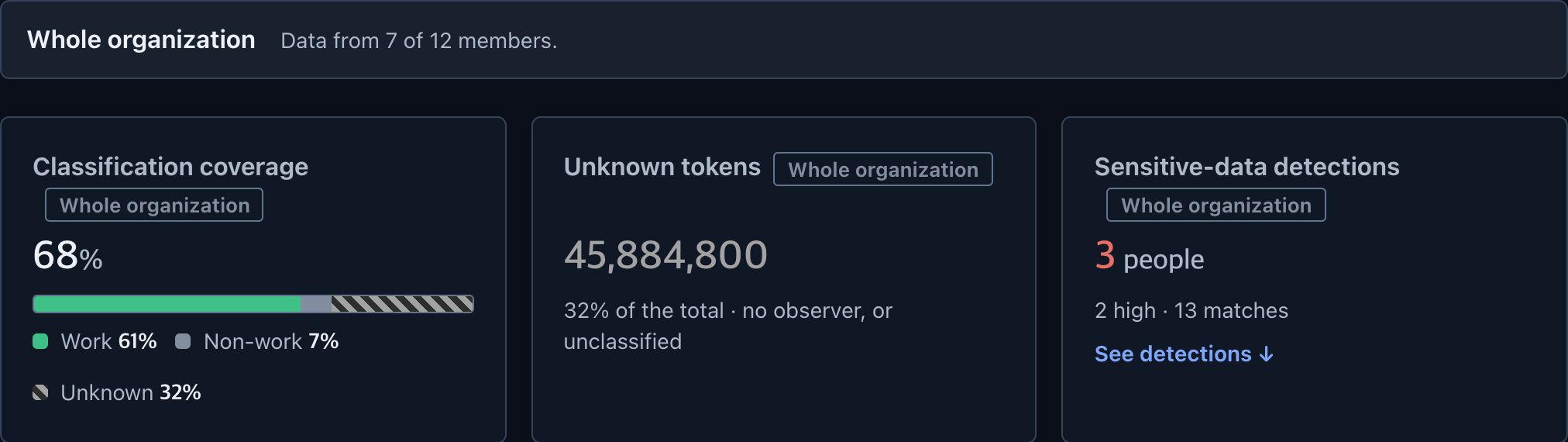
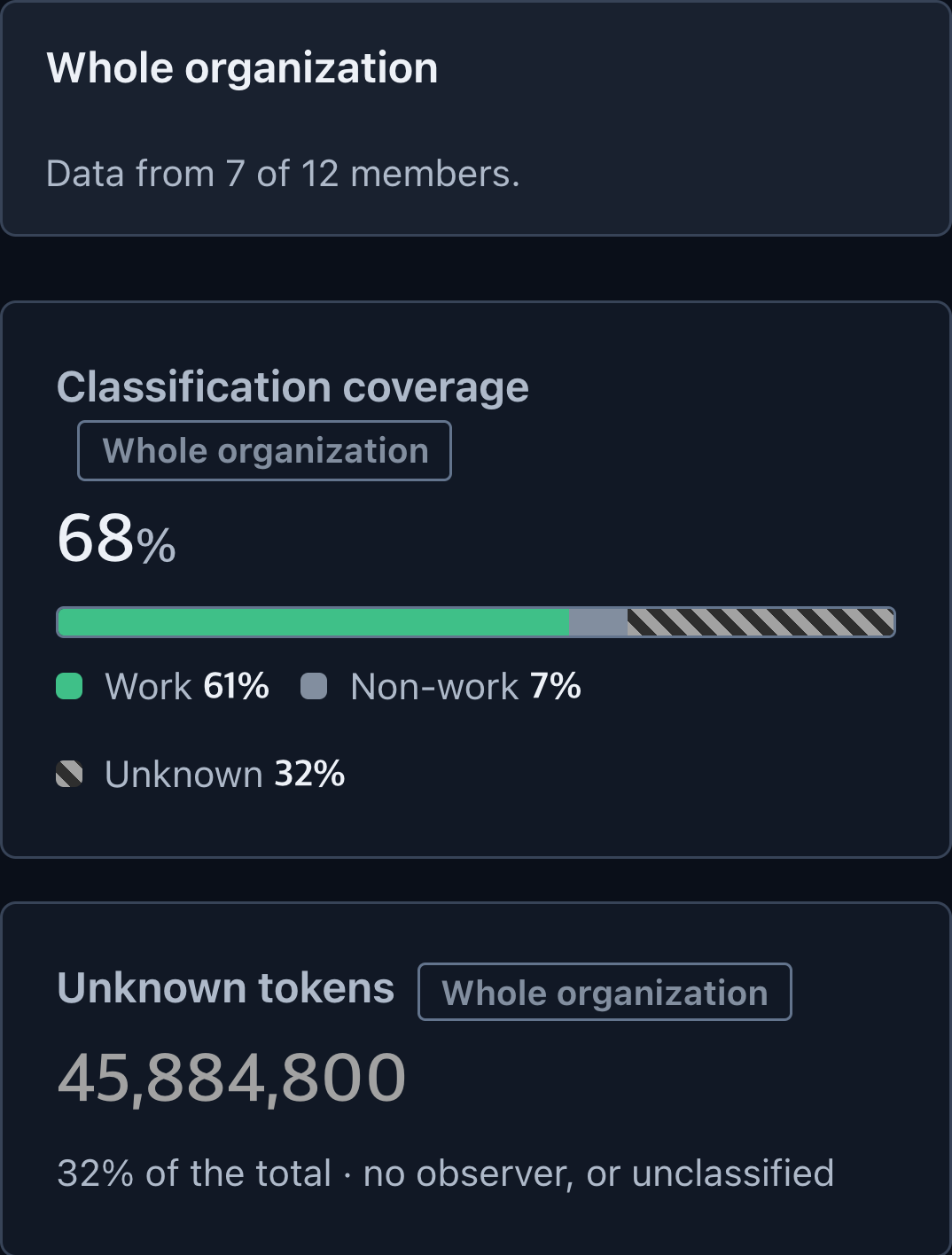
- Sessions sorted into work, non-work or unknown on the device, using your organization's word lists; only daily token sums leave it.
- External classification
- Sends limited content to the configured model only with a dated grant or organization-policy authority. Existing opt-outs stay off.
- Sensitive-data detection
- Credential-shaped strings (cloud, code-hosting and AI provider keys, private keys, tokens) and Korean resident numbers. Stored masked: at most the first four and last two characters.
- Roles
- Super administrator, manager (scopable to a group) and member, plus custom read-only roles. Invites assign super administrator or member.
- Sign-in
- Email and password with optional TOTP two-step verification per user.
- Hosting and deletion
- AWS Seoul (ap-northeast-2). Export, correction and erasure requests; erasure removes identity and keeps amounts.
A detection is a signal to review, not proof of a breach. An empty result is not proof of safety.
05 · Supported sources
Where the numbers come from.
Support depends on the tool version, operating system and collection settings. A connected source is not proof that usage arrived.
| Source | Path | Reports | Condition |
|---|---|---|---|
| Claude Code, Codex, Grok, zcode | Device agent | Tokens by model and tool; Claude Code plan and account, Codex plan type | Agent on macOS, Windows or Linux |
| Antigravity CLI | Device agent | Estimated tokens by model; turns without token counts are skipped | CLI only — not Antigravity IDE |
| Kiro IDE | Device agent | Credits, not tokens; last 30 days | macOS only |
| Claude Code, Codex, Gemini CLI | Tool telemetry (OTLP) | Token records from the tool's exporter | Exporter configured |
| LiteLLM gateway | Gateway | Tokens, model, key and recorded spend | The gateway TokenMeter runs for your organization |
| OpenAI, Anthropic | Provider billing | Billed cost per provider and day | Admin key |
| claude.ai, chatgpt.com, gemini.google.com | Browser collection | Signed-in account and activity counts — no page content, not tokens | Consent; Chrome, Edge, Brave (and Arc on macOS) on macOS or Windows |
06 · Limits
Not supported today.
- SAML or OIDC single sign-on
- Two-step verification enforced for the whole organization
- Connecting your own LiteLLM gateway
- Google, Azure or AWS billing connectors
- Firefox, Safari, or browser collection on Linux
- Blocking all AI use when an organization budget is exceeded
- ROI or productivity scores
- Antigravity IDE