AI usage management for businesses
AI usage and subscription costs, by team.
See Claude Code and Codex usage by team and member. Manage subscription accounts and costs across your organization in one console.
Register your organization and connect the AI tools you use.
Team usage
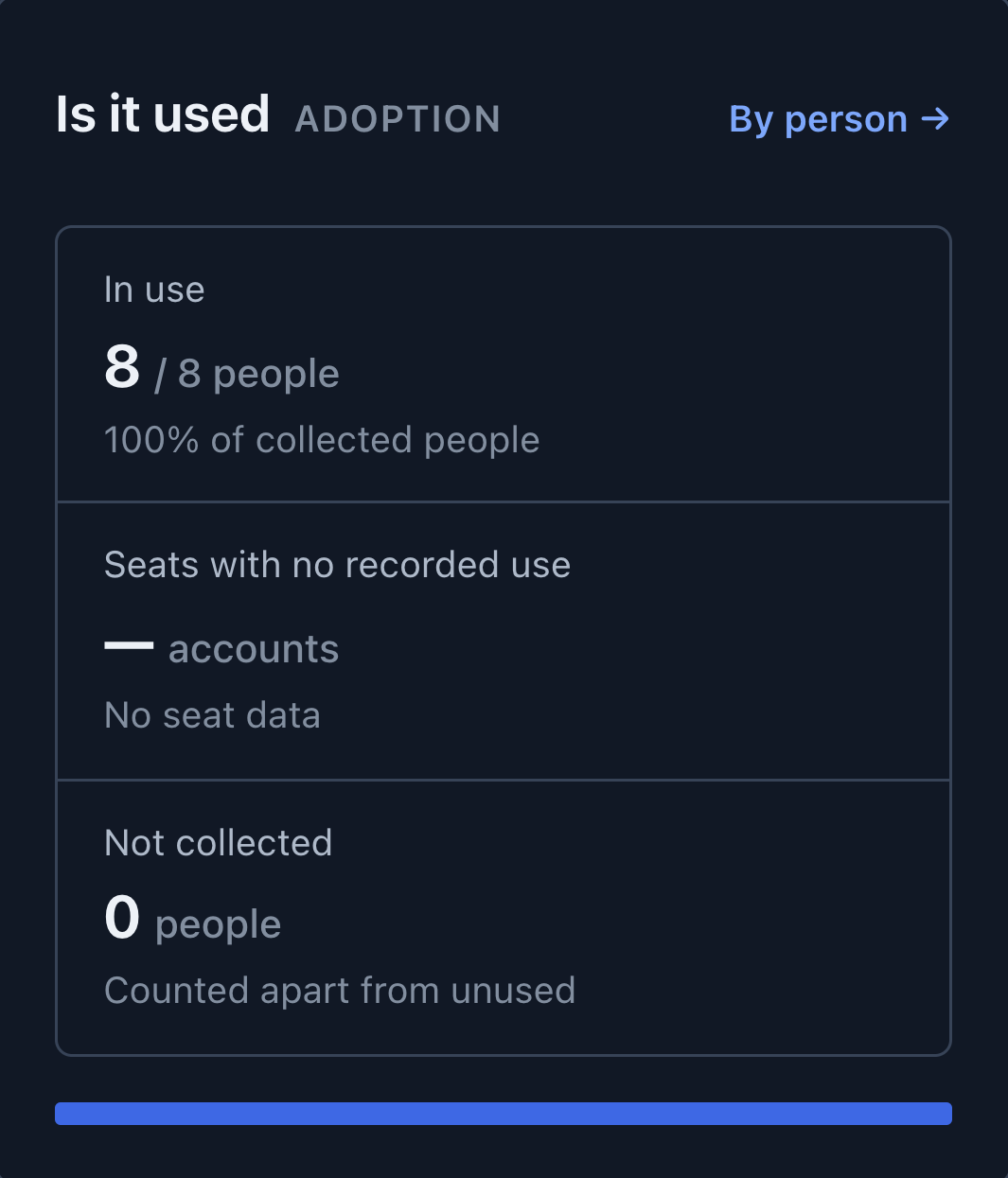
See how your teams use AI.
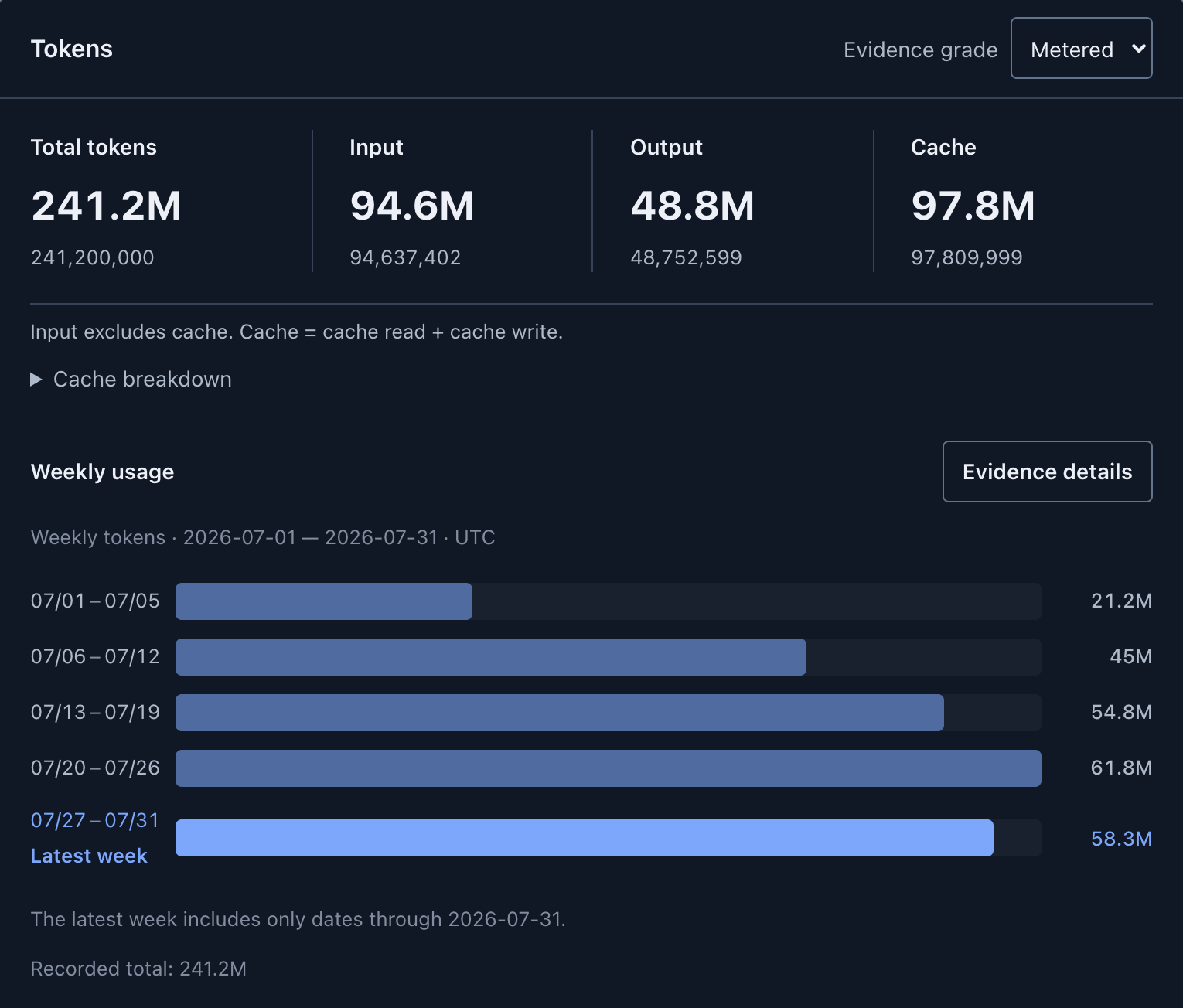
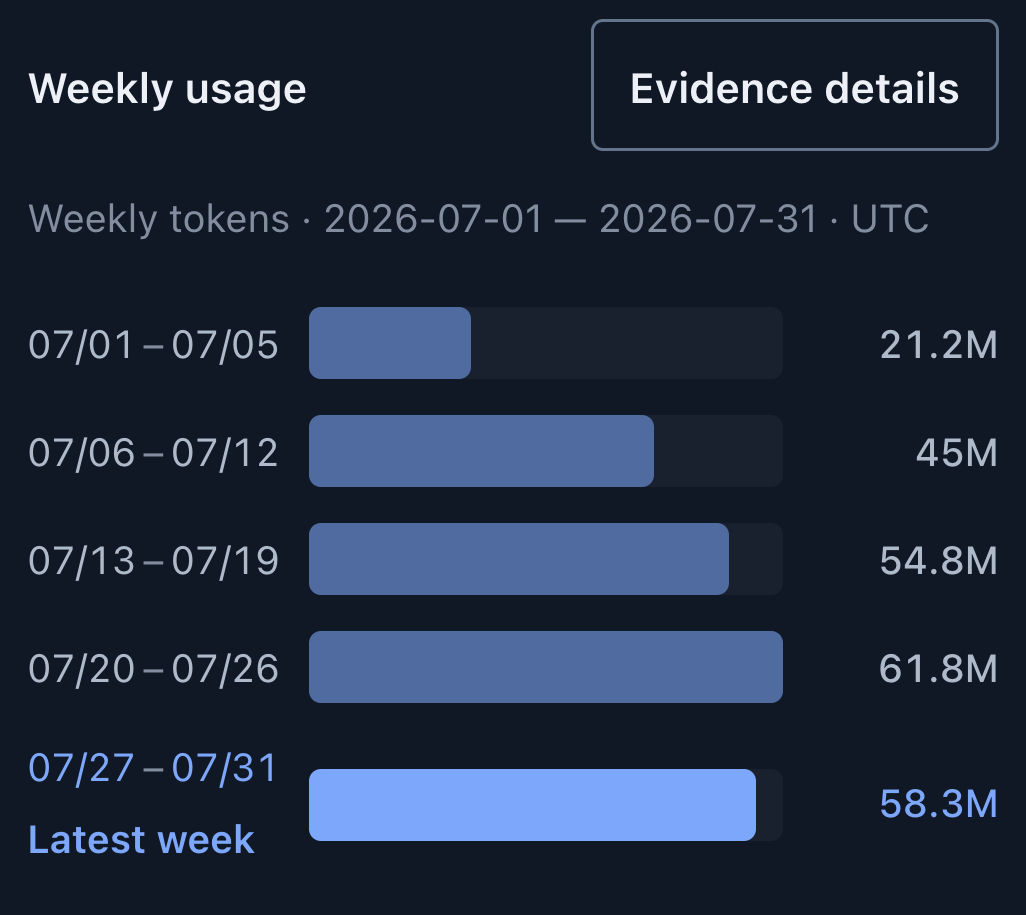
Start with organization-wide usage, then explore teams and members. Follow usage trends across connected tools and reported models.
- Teams and membersCompare team usage and open each member's activity.
- Tools and modelsView usage for connected tools and the models included in their records.
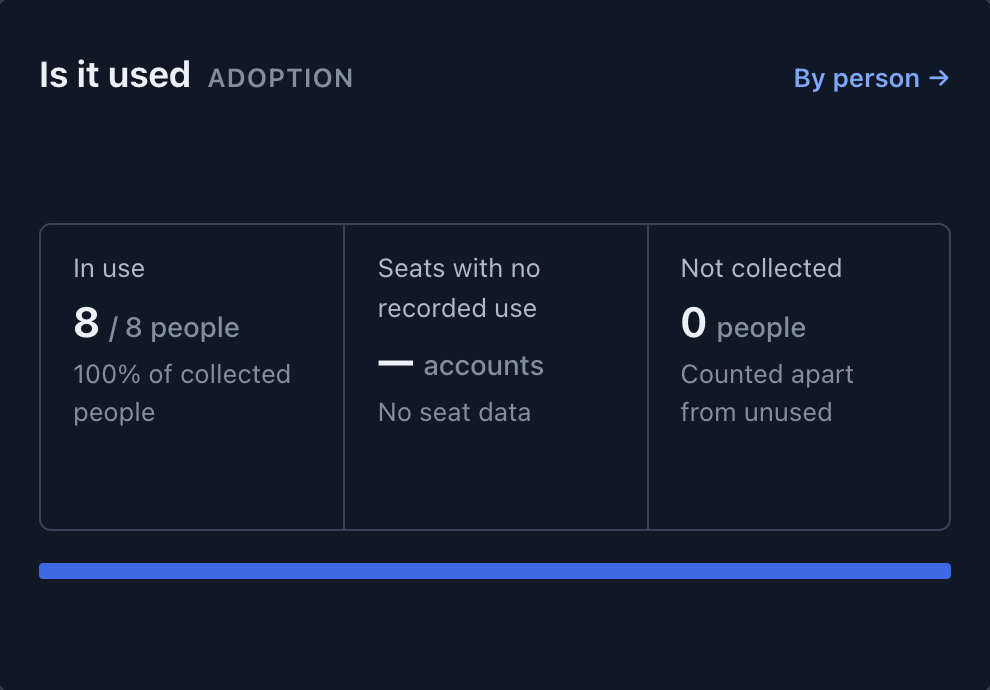
- Activity and coverageSee members with recorded activity separately from those whose data has not been collected.
Subscriptions and costs
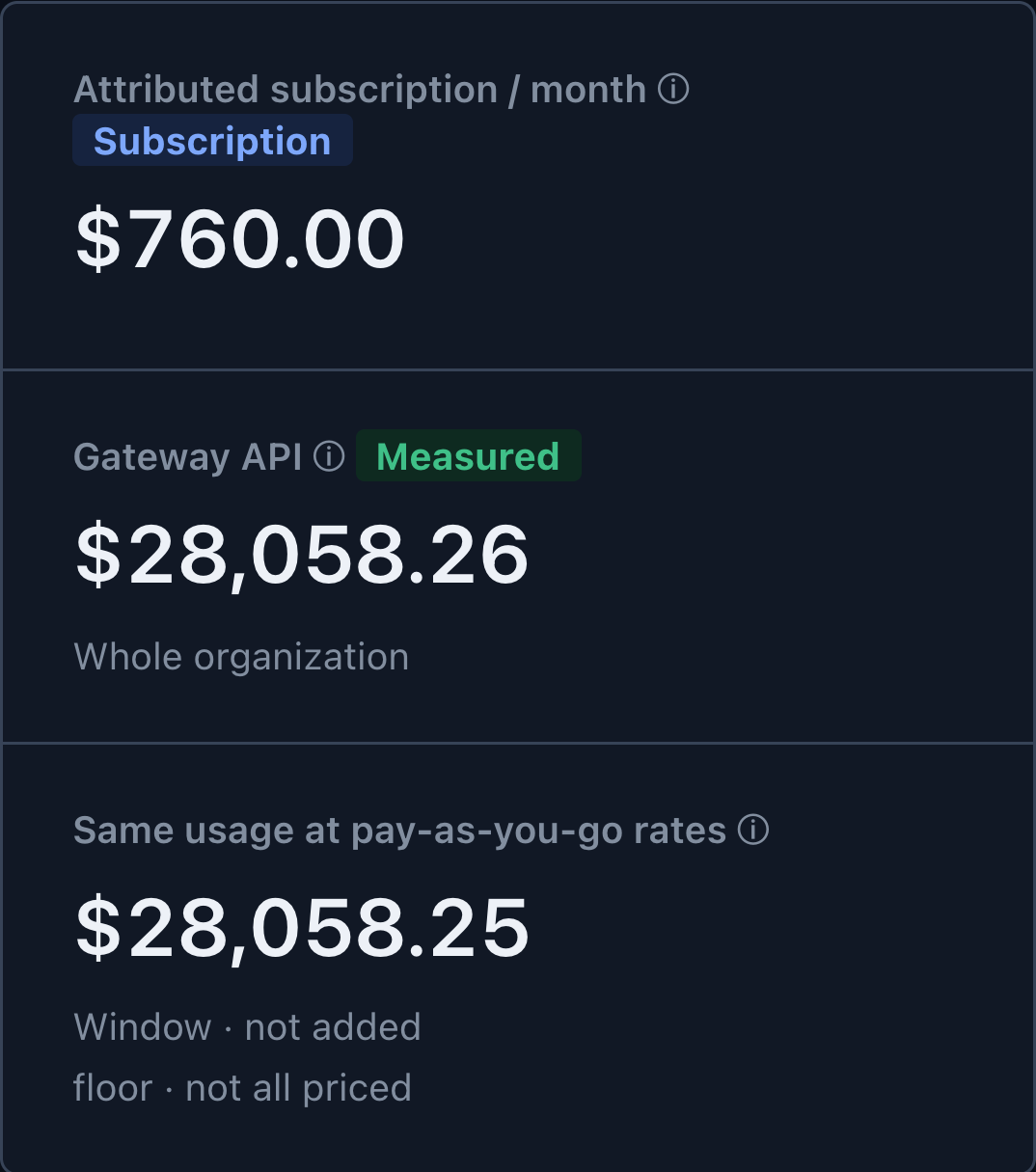
Manage subscriptions and API costs together.
Review account subscription prices, gateway-calculated costs and provider billing data. Usage-based equivalents are shown separately for comparison and are never added to cost.
- Subscription reviewsUse recorded activity and monthly prices when reviewing renewals and whether to retain a subscription.
- Provider billingView OpenAI and Anthropic cost reports by provider and date.
- Budgets and reportsSet monthly budgets and alerts, then export monthly or quarterly reports as CSV.

Usage review
Find AI usage that needs a closer look.
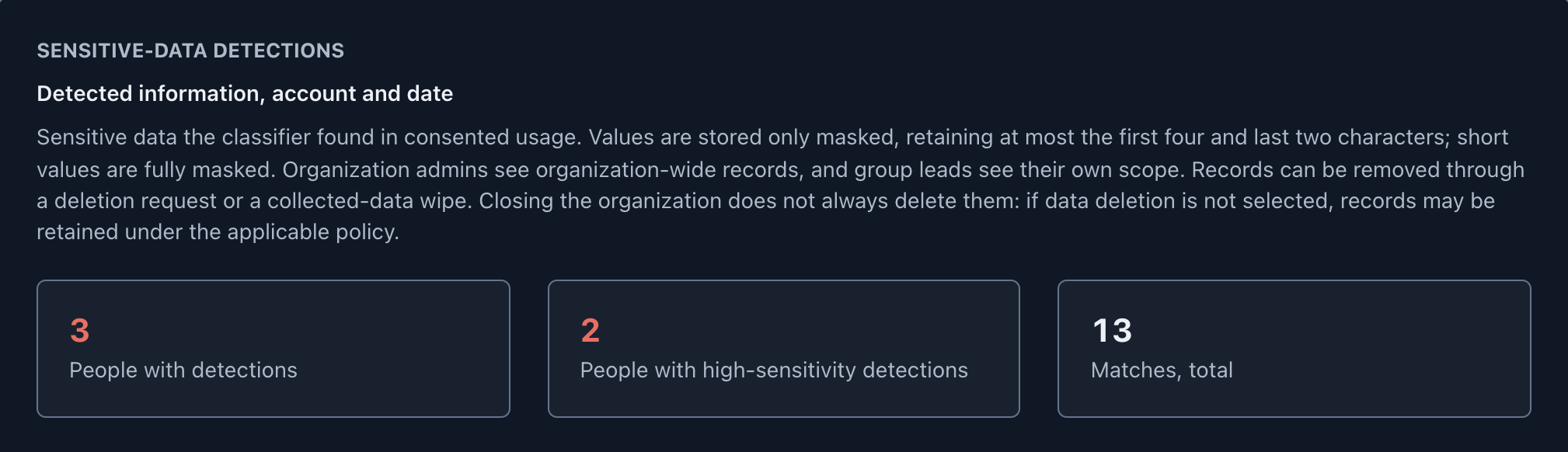
Review sensitive-data detections and account connections. Browse detections by member and date for follow-up.
- Sensitive-data detectionsView masked detections of API keys, private keys, resident registration numbers and other supported patterns in authorized usage records.
- Accounts and collection statusReview AI accounts observed in the browser, accounts with no assigned cost responsibility, collection consent and unidentified models.
- Collection and privacyUsage records contain counts, models, tools and timestamps. See the security guide for the conditions and scope of separate content classification.
Data collection
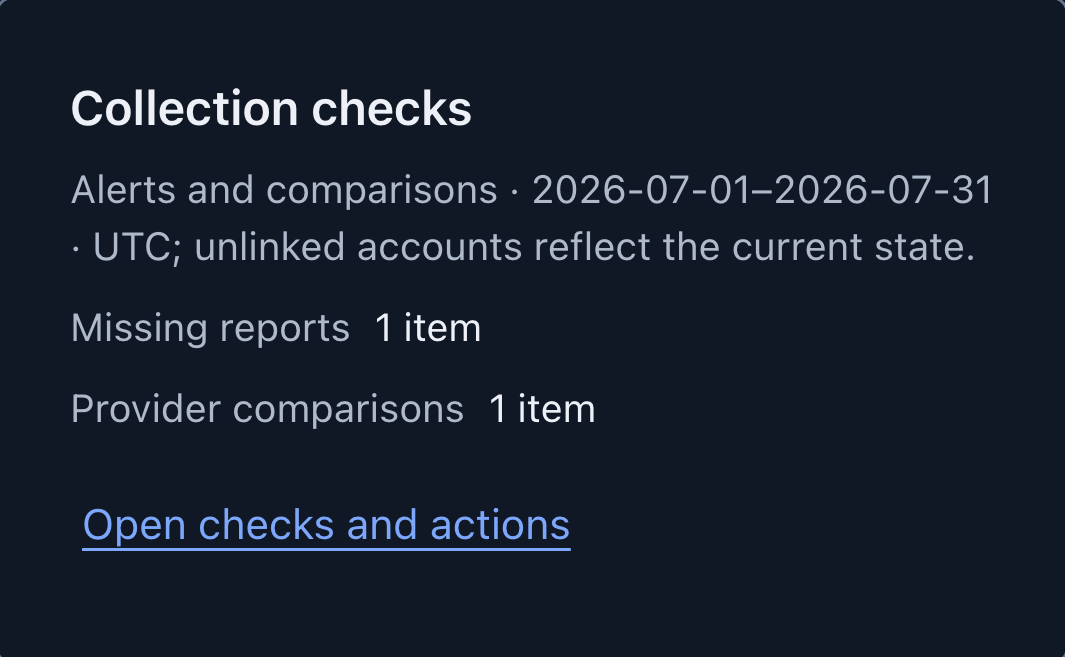
Check missing records and source connections.
Check collection status and differences from provider data. Reports that have not arrived are marked as missing, so they stay distinct from zero usage.
Explore collection screens →
Connect the tools you use
Supported sources and connection requirements →- Coding tools
- Claude Code, Codex, Gemini CLI, Antigravity CLI, Grok, Kiro, zcodeConnect with the macOS, Windows or Linux agent
- Gateway
- LiteLLMThe gateway operated by TokenMeter
- Billing
- OpenAI, AnthropicConnect with a provider admin key
- Browser
- claude.ai, chatgpt.com, gemini.google.comActivity counts with consent · no page content
Start managing your organization's AI usage.
- Register your organization and members
- Connect your tools and accounts
- Review usage and subscription costs